Researcher Jun Zhang and colleagues designed a social game to engage people in contributing to expertise profiling for themselves and their colleagues. In „ExpertiseTagging Game: Identifying Expertise Networks in organizations“ (2007) they describe how it works and a pilot study. Playing the game a user gets certain points when his or her input matches with other users’ input.
Thinking about our newly launched expertise finder system UCSF Profiles, a ‘game’ approach might be an interesting idea to explore. UCSF Profiles builds on a good set of data retrieved from Pubmed and already allows passive networks based on that information. However, active networking mechanisms will be helpful to retrieve ‘local knowledge’ that goes beyond scientific publications.
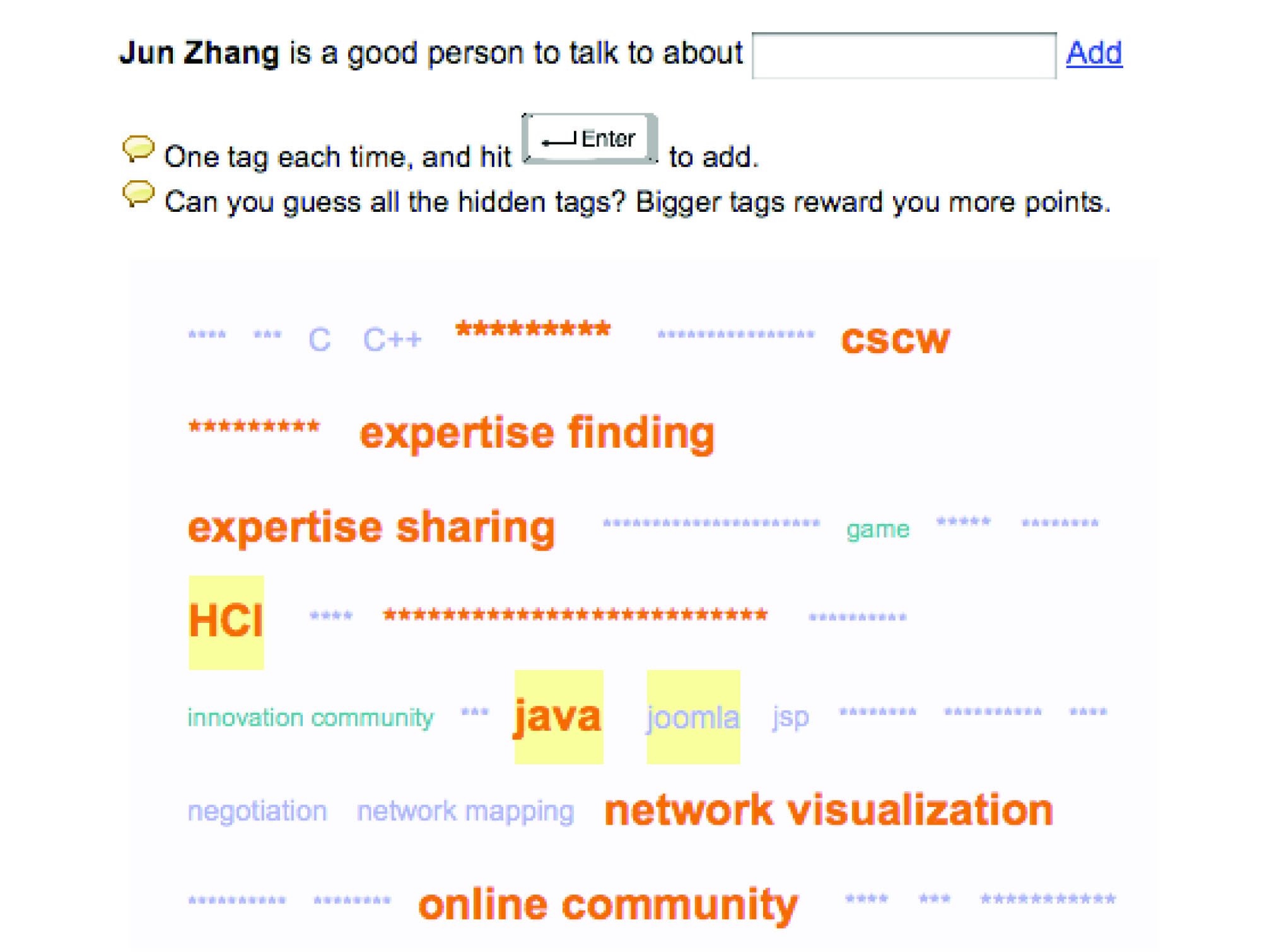
Here is how the game works: “A person’s expertise tags are presented in a masked tag cloud when the game starts. A user starts playing this game by typing a keyword in the text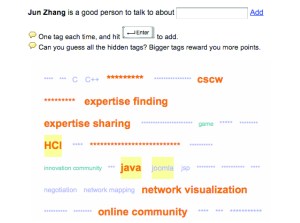 field following ‘John is a good person to talk to about (X) ‘ once a time. If a tag he sent matches a tag input by that individual or by other users who have played the game, the matched tag is revealed and the user earns some points based on how many other people have also tagged the same keyword. The goal is to reveal all the masked words in the tag cloud. Top players are named as ‘top connectors’ in the landing page of the game site. Top players for a specific game are also listed in that game’s page as ‘who knows person (X) best’. A network visual-exploration interface helps people discover the expertise networks around them.” The pilot study showed “that a lot of users were motivated by different fun factors, such as enjoyment of problem solving (revealing the tag cloud) and competition (being a top connector).”
By the way, some senior users expressed concerns of deploying a game into a corporate environment, so the authors repositioned the ‘game’ as a “system for people to recognize their colleagues by recommending their expertise using tagging as well a means of self-expression by self-tagging and approving peers’ tags”.
And while we are at it, here is a second one: “The Dogear Game” (2007). Individual players receive entertainment and learn about their colleagues’ bookmarks. The player’s colleagues, on the other hand, receive recommendations of websites and documents of potential interest to them. The numbers are impressive: The game was implemented as a plug-in to a corporate instant messaging client used by over 100,000 employees. Read on.
 BioMed 2.0